



Introduction
WordPress has been the dominant force in website building for over two decades. As of 2026, it powers more than 43% of all websites on the internet—that's over 800 million sites. But with the rise of modern website builders, headless CMS platforms, and AI-powered tools, the question remains: Do you actually need a WordPress website in 2026?
What is WordPress? A Brief Overview
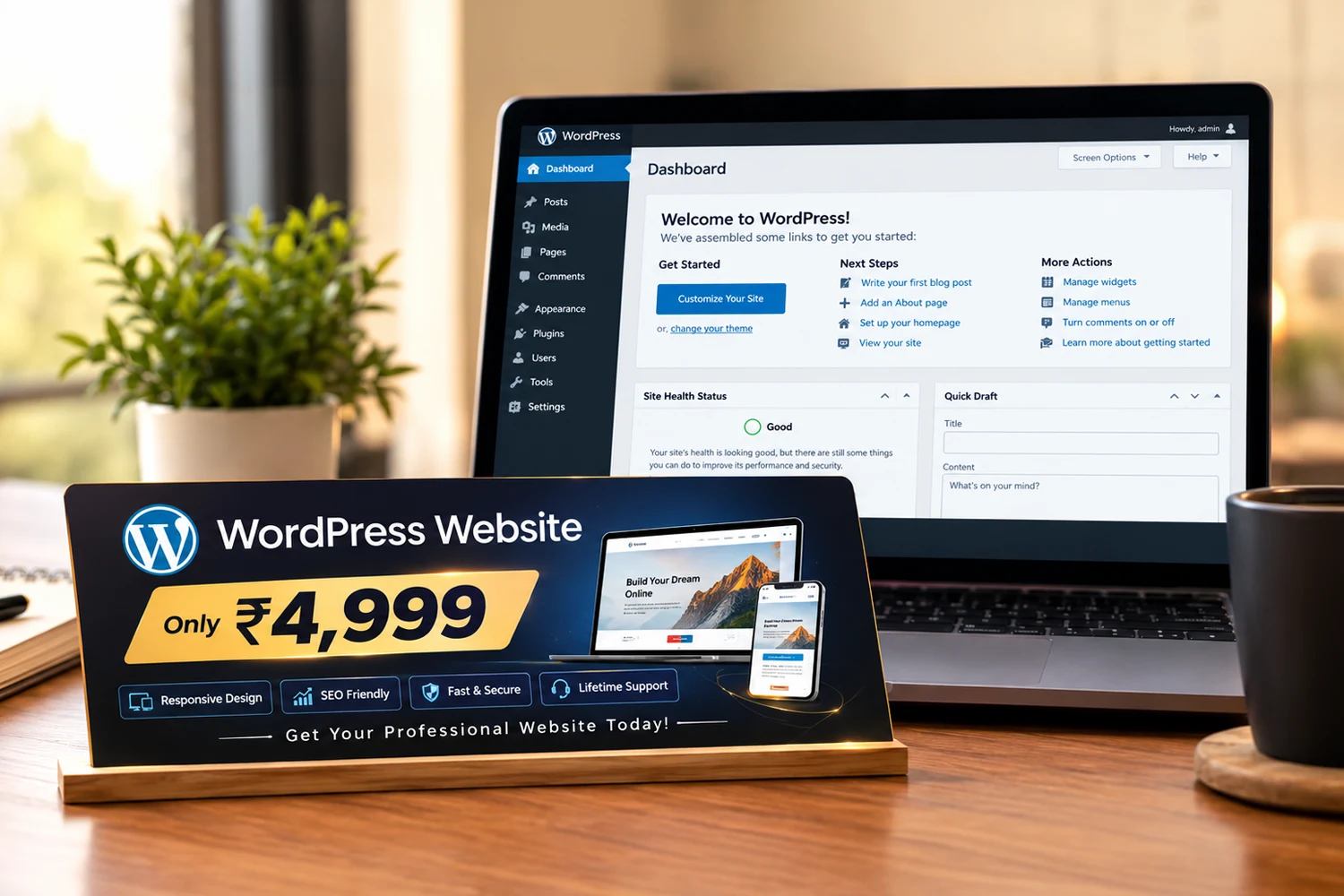
WordPress is an open-source content management system (CMS) that allows users to create, manage, and publish content on the web without coding knowledge. Since its launch in 2003, it has evolved from a simple blogging platform into a comprehensive website builder that powers everything from personal blogs to enterprise websites.
The platform is built on PHP and MySQL, making it highly flexible and extensible. With over 60,000 plugins and thousands of themes available, WordPress offers unlimited possibilities for customization. Whether you need an e-commerce store, a portfolio, a membership site, or a corporate website, WordPress can handle it.
In 2026, WordPress continues to evolve with the introduction of Full Site Editing (FSE), better performance features, improved accessibility, and tighter integration with modern tools like React and GraphQL.
Websites Powered
43%
Total Websites
800M+
Plugins Available
60,000+
Market Share (CMS)
63%
The Pros of WordPress in 2026
WordPress remains incredibly popular for good reasons. Here are the key advantages that keep it relevant in 2026:
Complete Control and Ownership: Unlike many website builders, WordPress gives you full ownership of your content, data, and code. You can host it anywhere, export your data anytime, and customize every aspect of your site.
Massive Ecosystem: With thousands of free and premium themes, you can find designs for any industry. Over 60,000 plugins extend functionality for SEO, e-commerce, marketing, security, and more.
SEO-Friendly Architecture: WordPress is built with search engines in mind. Yoast, Rank Math, and other SEO plugins make optimization straightforward. The platform generates clean code, semantic markup, and is fully responsive by default.
Scalability: WordPress can grow with your business. From a simple 5-page brochure site to a complex e-commerce store with thousands of products, WordPress can handle it. Major companies like TechCrunch, The New York Times, and Disney use WordPress.
Strong Community Support: With millions of users, developers, and agencies worldwide, finding help is never an issue. From forums to documentation to local meetups, the WordPress community is one of the most supportive in technology.
No Vendor Lock-In: You're never stuck with a single provider. If you're unhappy with your hosting or agency, you can easily migrate your entire site to a new provider.
Cost-Effective: WordPress itself is free. While you'll pay for hosting, themes, and plugins, the total cost is often significantly lower than custom development or all-in-one solutions like Shopify.
💡 Key Takeaways:
- •Choose a reliable managed WordPress host for better performance
- •Limit plugins to 10-15 essential ones for optimal speed
- •Keep WordPress core, themes, and plugins regularly updated
- •Use a caching plugin like WP Rocket or W3 Total Cache
- •Implement a CDN (Cloudflare, KeyCDN) for faster global delivery
- •Regularly backup your website (UpdraftPlus, BlogVault)
The Cons of WordPress in 2026
Despite its popularity, WordPress has significant challenges that may make it unsuitable for some projects:
Security Vulnerabilities: As the most popular CMS, WordPress is a prime target for hackers. While good practices mitigate risks, you're responsible for security updates, backups, and protection against threats.
Performance Maintenance: A poorly maintained WordPress site can be slow. Cheap hosting, excessive plugins, and unoptimized images can lead to poor Core Web Vitals scores and decreased search rankings.
Learning Curve: While you can create content easily, building a custom WordPress site requires understanding of PHP, CSS, and the WordPress architecture. Many users need professional help for advanced customization.
Plugin Dependency: Too many plugins can slow down your site and create compatibility issues. Each plugin adds potential vulnerability points and maintenance overhead.
Upfront Investment: While WordPress is free, building a professional site requires investment in quality hosting ($100-500+/year), premium themes ($30-100), premium plugins ($50-300/year), and potentially developer fees.
Modern Alternatives: Platforms like Webflow, Wix, and Squarespace offer simpler, more integrated solutions with less maintenance overhead. For specific use cases, they may be more appropriate.
WordPress Vulnerability
95% of attacks
Annual Maintenance Cost
$200-1000
Average Plugin Count
15-20
Global Market Share
63%
WordPress Alternatives in 2026
Depending on your needs, these alternatives might be better suited:
Webflow: Best for designers who want visual control. Offers powerful design capabilities without coding. Great for marketing sites, portfolios, and agency work.
Wix: Ideal for non-technical users. Drag-and-drop builder with AI-powered design tools. Good for small businesses, blogs, and portfolios.
Squarespace: Best for creatives. Beautiful templates with a focus on design. Ideal for artists, photographers, and creative professionals.
Shopify: E-commerce specialized. Excellent for online stores with built-in payments, inventory, and shipping.
Ghost: Focused on publishing. Clean, minimal, and fast. Perfect for bloggers, newsletter creators, and content-focused sites.
Headless CMS (Contentful, Sanity): Best for developers. Offers content management with complete frontend freedom. Ideal for specific technical use cases.
When Should You Use WordPress? (Decision Guide)
WordPress is the right choice when:
You need complete content and data ownership
You plan to scale your site over time
You need extensive customization and functionality
You want to integrate with third-party services
You need an e-commerce solution (WooCommerce)
You want to avoid vendor lock-in
You have a budget for professional management
You value the large ecosystem of themes and plugins
WordPress might NOT be for you if:
You want a simple site without technical management
You have a limited budget (under $500)
You need a highly specific or unusual design not supported by themes
You want to avoid plugin dependencies
You have security and maintenance compliance requirements without the team to manage them
You need a static site (where a static site generator would be faster and more secure)
💡 Key Takeaways:
- •Evaluate your specific needs before committing
- •Consider your technical resources or budget for hiring
- •Think about long-term scalability and maintenance
- •Compare total cost of ownership across options
- •Check if existing themes or plugins already solve your needs
- •Start with a smaller, focused WordPress site and expand
The Future of WordPress in 2026 and Beyond
WordPress continues to evolve with modern trends. In 2026, several developments are shaping its future:
Full Site Editing (FSE) is now mature. You can design every part of your site using the block editor without touching code. This democratizes design and reduces the need for page builders like Elementor or WPBakery.
Performance Improvements have made WordPress faster. More efficient rendering, better caching strategies, and performance-focused optimization have improved Core Web Vitals scores.
The WordPress Playground offers a completely browser-based, client-side-only version of WordPress for learning, testing, and proof-of-concept development, reducing the friction of evaluation.
Headless WordPress architecture is gaining traction, decoupling the backend from the frontend for more flexible delivery. This allows the use of React, Vue, or Svelte for frontend code.
AI Integration is increasingly common. AI plugins for content generation, SEO optimization, image generation, and customer support are standard.
Gutenberg Expansion is gradually replacing page builders. As the block editor gains capabilities, reliance on third-party builders may decrease.
WordPress Market Share
63%
Gutenberg Adoption
65%+
Headless WordPress Growth
40%
AI Plugin Users
30%+
Final Takeaway
WordPress remains a powerful and flexible platform for building websites in 2026. It's particularly well-suited when you value ownership, control, and the ability to scale. However, it requires investment in management, security, and maintenance.
✦ WordPress isn't just a platform—it's an ecosystem. And like any ecosystem, it thrives when you understand its patterns and respect its requirements.